

Tap. Paid. Done.
Autex sends the bill straight from the job sheet to your Dojo card machine. The customer taps, and the job marks itself paid.
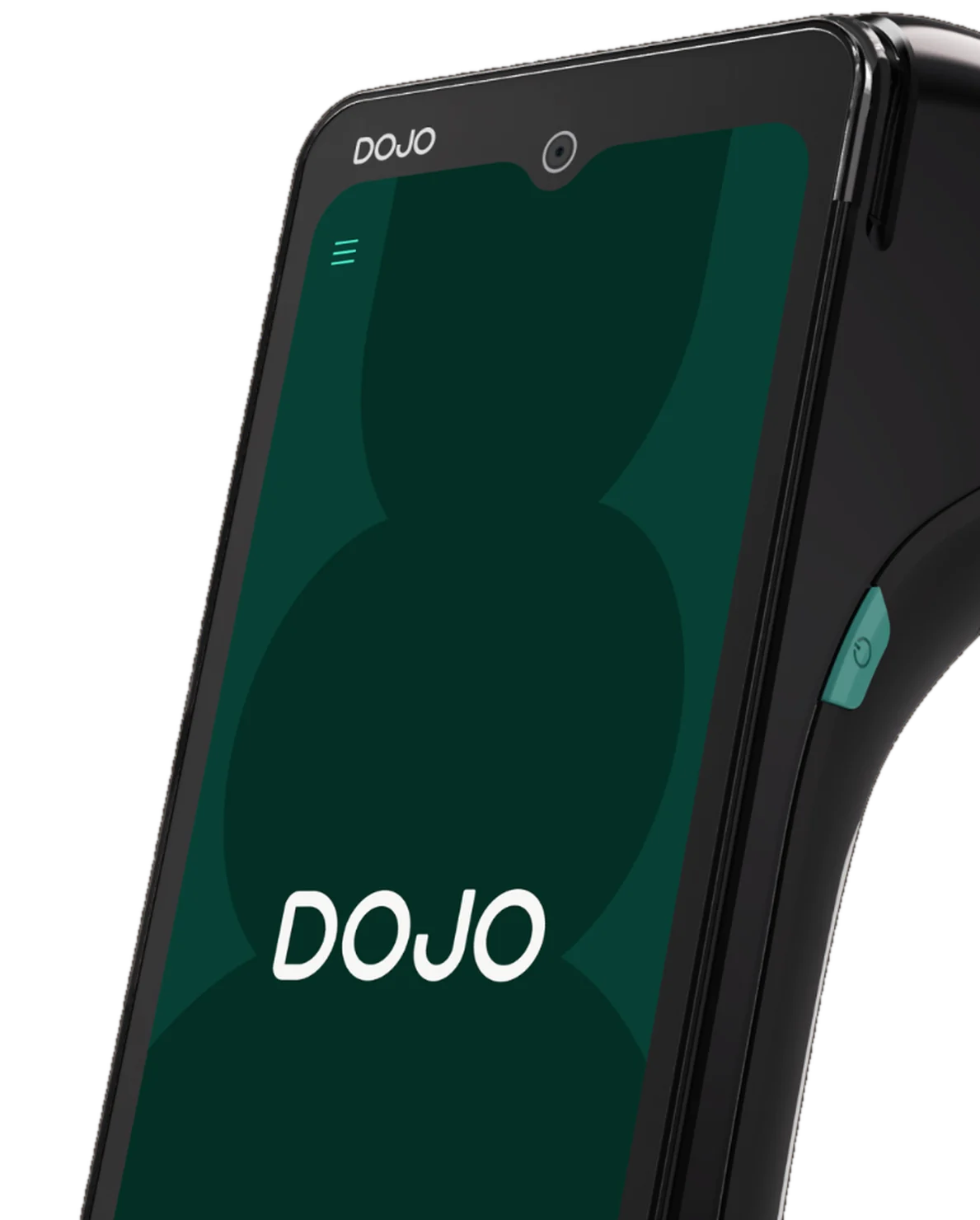
How taking a card payment works
- Step 1
Send the bill
Press Pay on the job and pick your Dojo card machine. The total appears on its screen.
- Step 2
The customer taps
Card, phone or watch. Tips and cashback are recorded if you use them.
- Step 3
The job marks itself paid
The payment lands on the job straight away. Nobody types an amount in twice.
Common questions about the Dojo integration
- Does Autex work with Dojo card machines?
- Yes. Autex connects to your Dojo card machines so you can send the bill from the job to the machine, and the payment is recorded on the job automatically.
- Do I need a Dojo account?
- Yes. You need a Dojo account and at least one Dojo card machine. Autex works with the machines you already have.
- Can I still take payments online?
- Yes. Dojo handles payments at the counter, and online payments such as deposits and payment links carry on through Stripe.
- How do I connect it?
- Book a demo with Autex and we'll link your Dojo account and name your machines. There's nothing to install.